Mobile Phone Unlocking Security Vulnerabilities
Comprehensive analysis of vulnerabilities associated with mobile phone unlocking techniques, exploit methods, security implications, and best practices for safeguarding devices against unauthorized access
Mobile phone unlocking refers to various processes that remove restrictions imposed by manufacturers, carriers, or operating systems. While some forms of unlocking are legitimate and legal, others exploit security vulnerabilities and can expose devices to significant risks. Understanding the different types of unlocking and their security implications is crucial for both users and security professionals.
Removing network carrier restrictions to use the device with different SIM cards and networks.
Unlocking the bootloader to install custom firmware, operating systems, or gain root/administrator access.
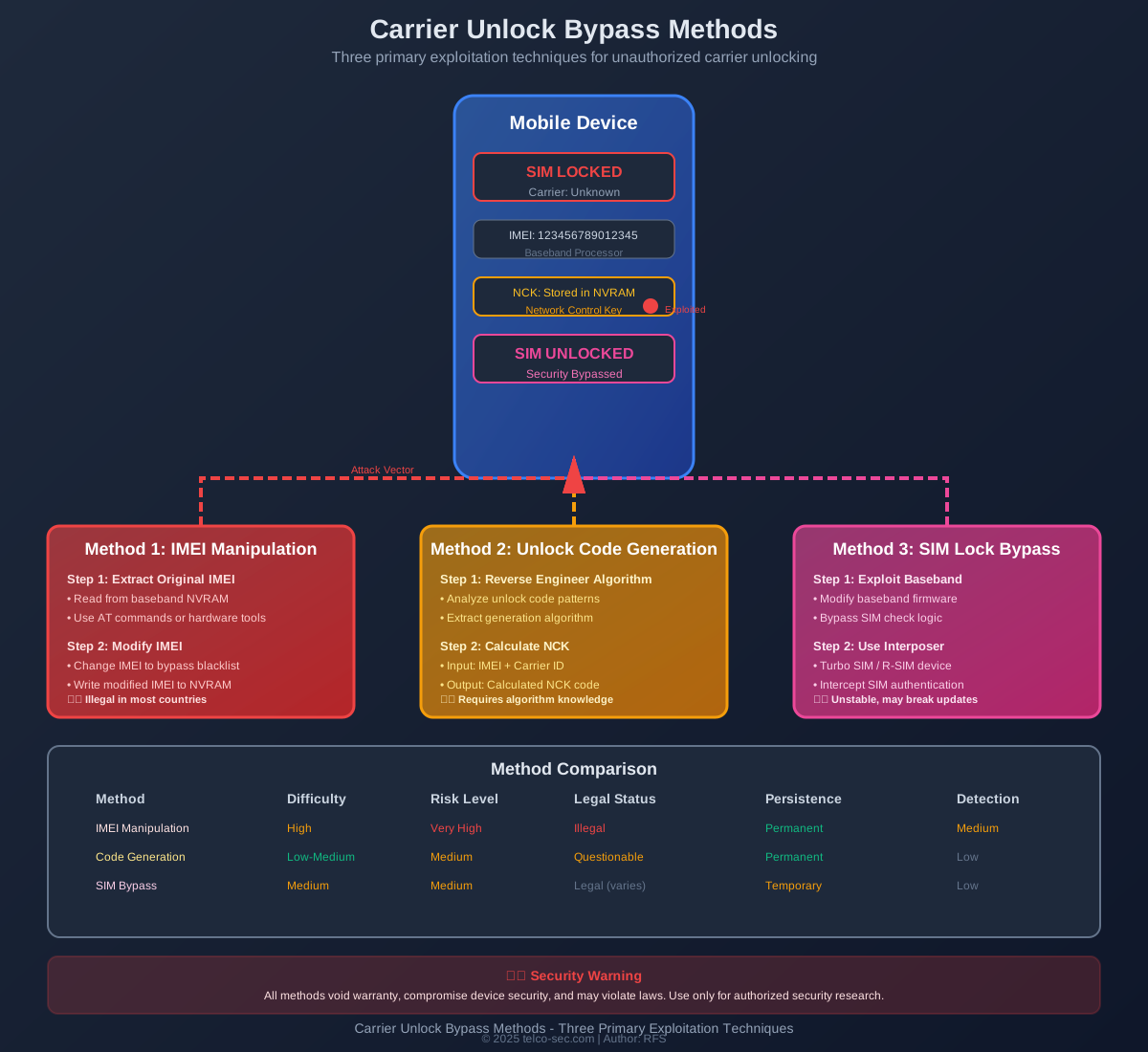
Exploiting vulnerabilities to bypass security mechanisms, authentication, or access controls.



Security Implications for Users
Unauthorized device unlocking can severely compromise user data privacy and expose sensitive information to attackers.
Privacy Threats:
- • Access to encrypted data and communications
- • Exposure of authentication credentials
- • Compromise of biometric data
- • Access to personal photos, messages, and documents
- • Tracking of location and activity patterns
- • Interception of banking and financial information
Unlocked devices with compromised security are prime targets for malware installation and persistent surveillance.
Malware Risks:
- • Installation of rootkits and persistent backdoors
- • Spyware for surveillance and data exfiltration
- • Banking trojans targeting financial applications
- • Ransomware with device-level encryption
- • Botnet recruitment for DDoS attacks
- • Cryptominers consuming device resources
Unlocking devices often disables critical security features designed to protect user data and device integrity.
Disabled Security:
- • Verified boot and secure boot disabled
- • Hardware-backed keystore compromised
- • SafetyNet/Play Integrity failures
- • Banking and payment apps may not work
- • DRM content protection disabled
- • OTA security updates may fail
Unauthorized unlocking can have serious legal consequences and void device warranties and support.
Legal Risks:
- • Violation of carrier terms of service
- • Potential criminal charges for IMEI manipulation
- • Voided manufacturer warranty
- • Loss of carrier support and services
- • Inability to claim insurance for device damage
- • Potential civil liability for security breaches
Protective Measures & Best Practices
Essential Security Practices:
- • Keep device software and security patches up to date
- • Only unlock devices through official carrier channels
- • Avoid installing apps from unknown sources
- • Use strong device passwords and biometric authentication
- • Enable Find My Device and remote wipe capabilities
- • Regularly backup important data
- • Be cautious of phishing and social engineering
- • Use VPN on public networks
Warning Signs of Compromise:
- • Unexpected battery drain or device heating
- • Unusual data usage patterns
- • Apps crashing or behaving strangely
- • Unfamiliar apps or processes running
- • Security warnings or SafetyNet failures
- • Unexpected network connections
Enterprise Security Controls:
- • Implement Mobile Device Management (MDM) solutions
- • Enforce device compliance policies
- • Detect and block rooted/jailbroken devices
- • Use containerization for corporate data
- • Implement zero-trust network access
- • Regular security audits and penetration testing
- • Employee security awareness training
- • Incident response procedures for compromised devices
Device Procurement Guidelines:
- • Purchase devices from authorized vendors only
- • Verify device authenticity and IMEI
- • Choose devices with strong security features
- • Prefer devices with regular security updates
- • Implement device attestation and verification
Security Hardening Measures:
- • Implement robust secure boot and verified boot
- • Use hardware-backed security features
- • Regular security audits and penetration testing
- • Timely security patch deployment
- • Secure bootloader unlock mechanisms
- • Baseband firmware security hardening
- • Implement anti-rollback protection
- • Secure AT command interface access
Responsible Unlock Policies:
- • Provide legitimate carrier unlock options
- • Clear communication of unlock policies
- • Secure unlock code generation and delivery
- • Monitor for unauthorized unlock attempts
- • Implement fraud detection systems
Responsible Disclosure:
- • Follow coordinated vulnerability disclosure practices
- • Report findings to manufacturers before public disclosure
- • Allow reasonable time for patch development
- • Provide detailed technical information
- • Avoid weaponizing vulnerabilities
- • Participate in bug bounty programs
Ethical Research Guidelines:
- • Obtain proper authorization for testing
- • Use dedicated test devices
- • Respect user privacy and data
- • Document findings thoroughly
- • Contribute to security community knowledge
Detection & Incident Response
Technical Indicators
- • Bootloader unlock status check
- • Root/jailbreak detection
- • SafetyNet/Play Integrity API failures
- • Unusual system file modifications
- • Unexpected kernel modules loaded
- • Modified system partitions
- • Suspicious network traffic patterns
- • Unauthorized AT command access
Behavioral Indicators
- • Abnormal battery consumption
- • Excessive data usage
- • Device overheating during idle
- • Frequent app crashes
- • Unexpected reboots
- • Slow performance
- • Unfamiliar apps or processes
- • Disabled security features
Incident Response Steps:
- Immediately isolate the compromised device from networks
- Document all observed indicators and symptoms
- Preserve forensic evidence if needed for investigation
- Change all passwords and authentication credentials
- Revoke device access to corporate resources
- Perform factory reset or complete device wipe
- Restore from known-good backup if available
- Re-verify device security before returning to service
- Conduct post-incident analysis and lessons learned
Security Tools & Resources
RootBeer (Android)
Open-source root detection library for Android applications
github.com/scottyab/rootbeer →Mobile Security Framework (MobSF)
Automated mobile application security testing framework
github.com/MobSF →Zimperium Mobile Threat Defense
On-device mobile threat detection and response
Lookout Mobile Endpoint Security
Cloud-based mobile security and threat intelligence